Audio Offset Manager: Evolved
Kodi's missing lipsync tool
To download this Add-On, we highly recommend you do it via the user interface in Kodi. Simply look for the "Get More" button in the Add-Ons menu. If you want to install it manually, you can direct download from the platforms link that matches your platform then in Kodi look for the "Install via Zip" option.
- Description
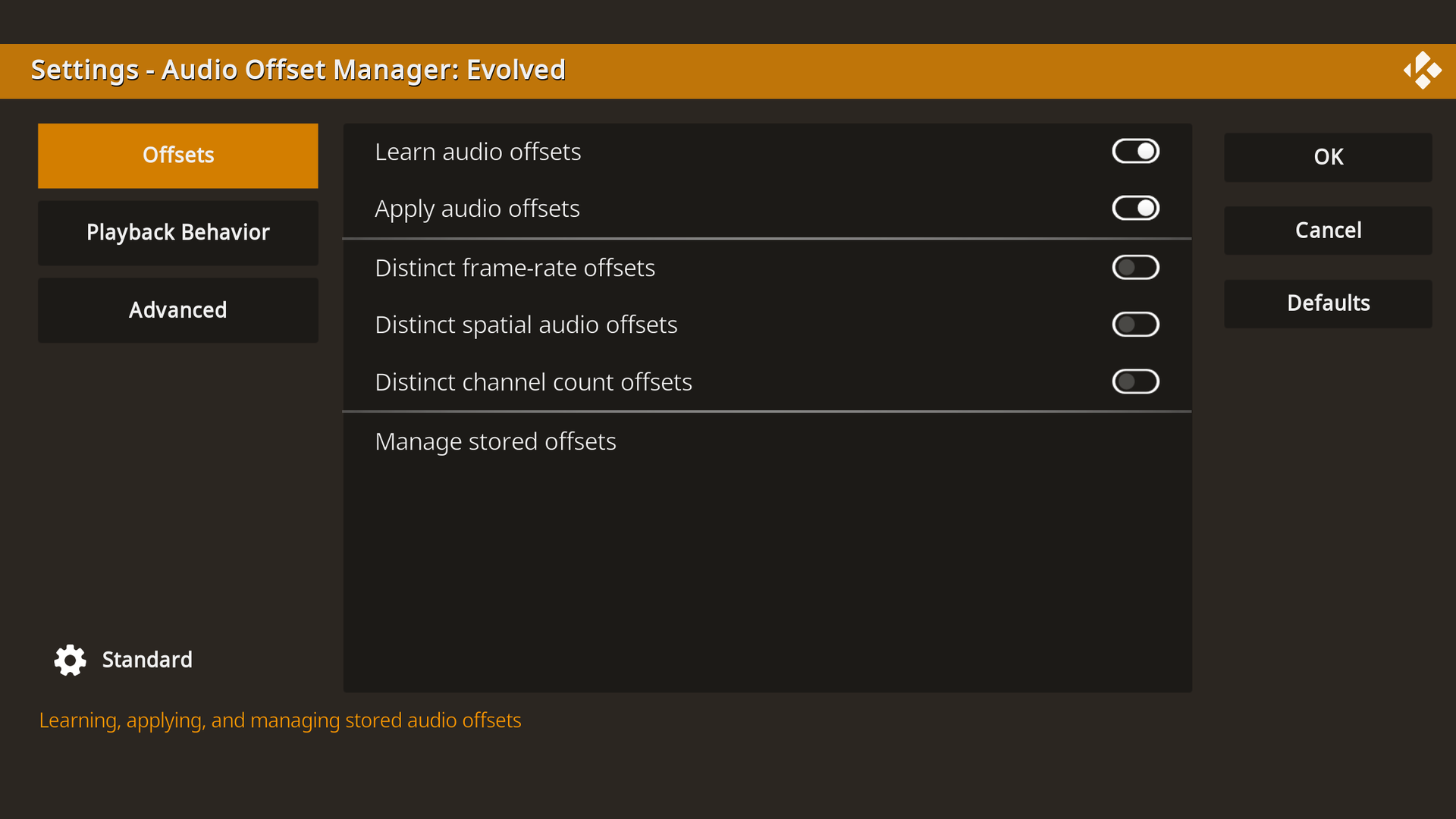
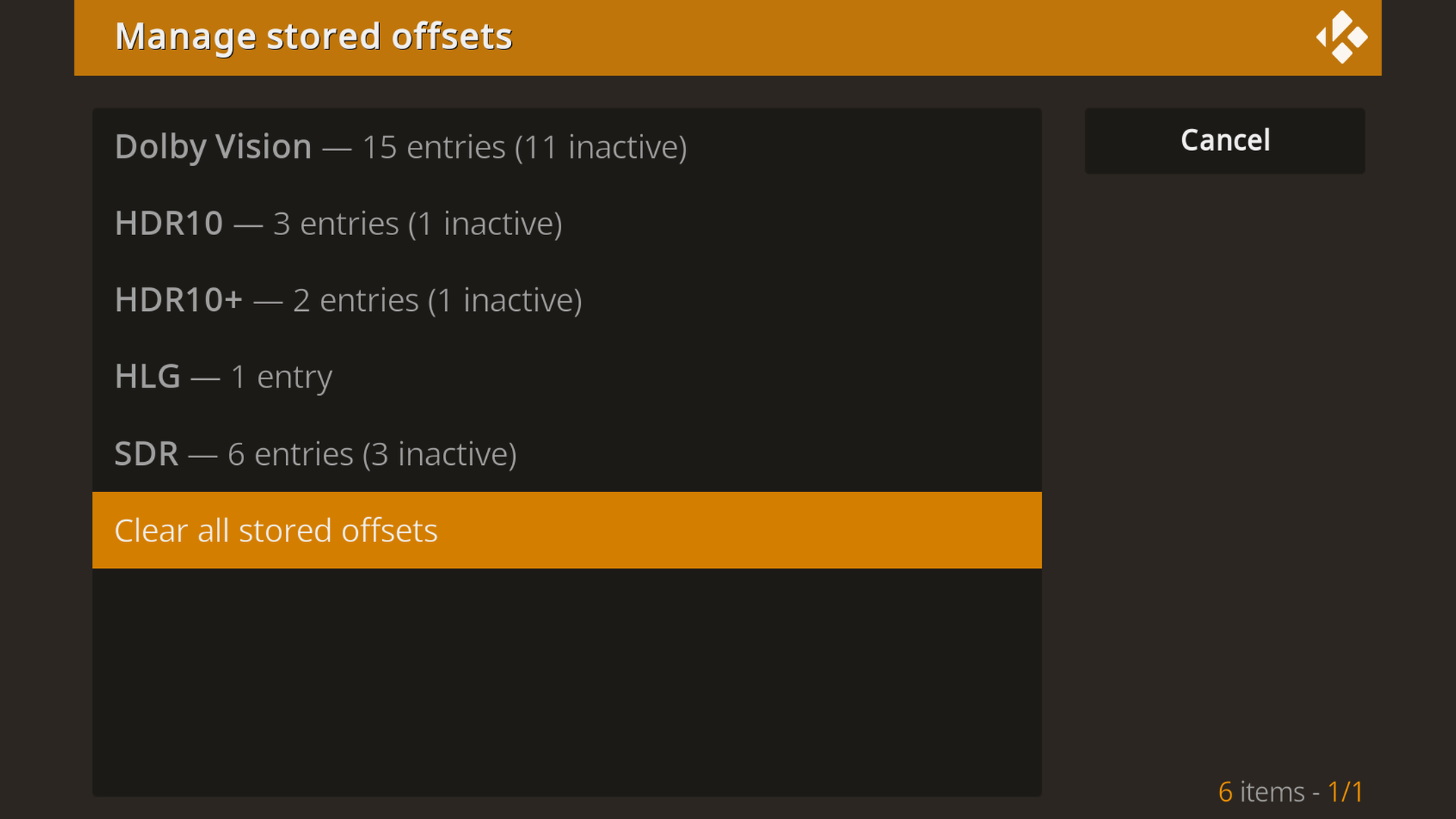
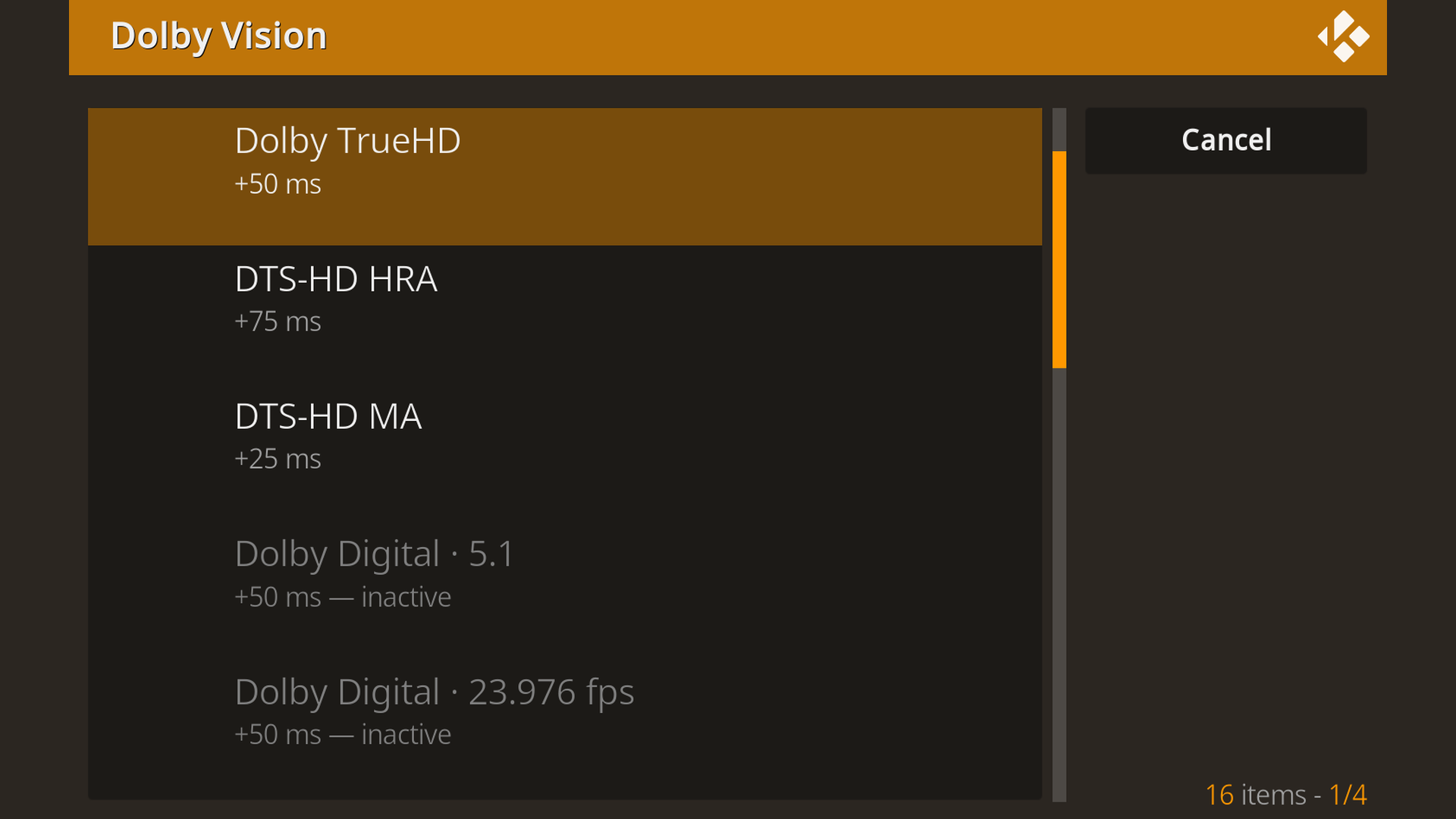
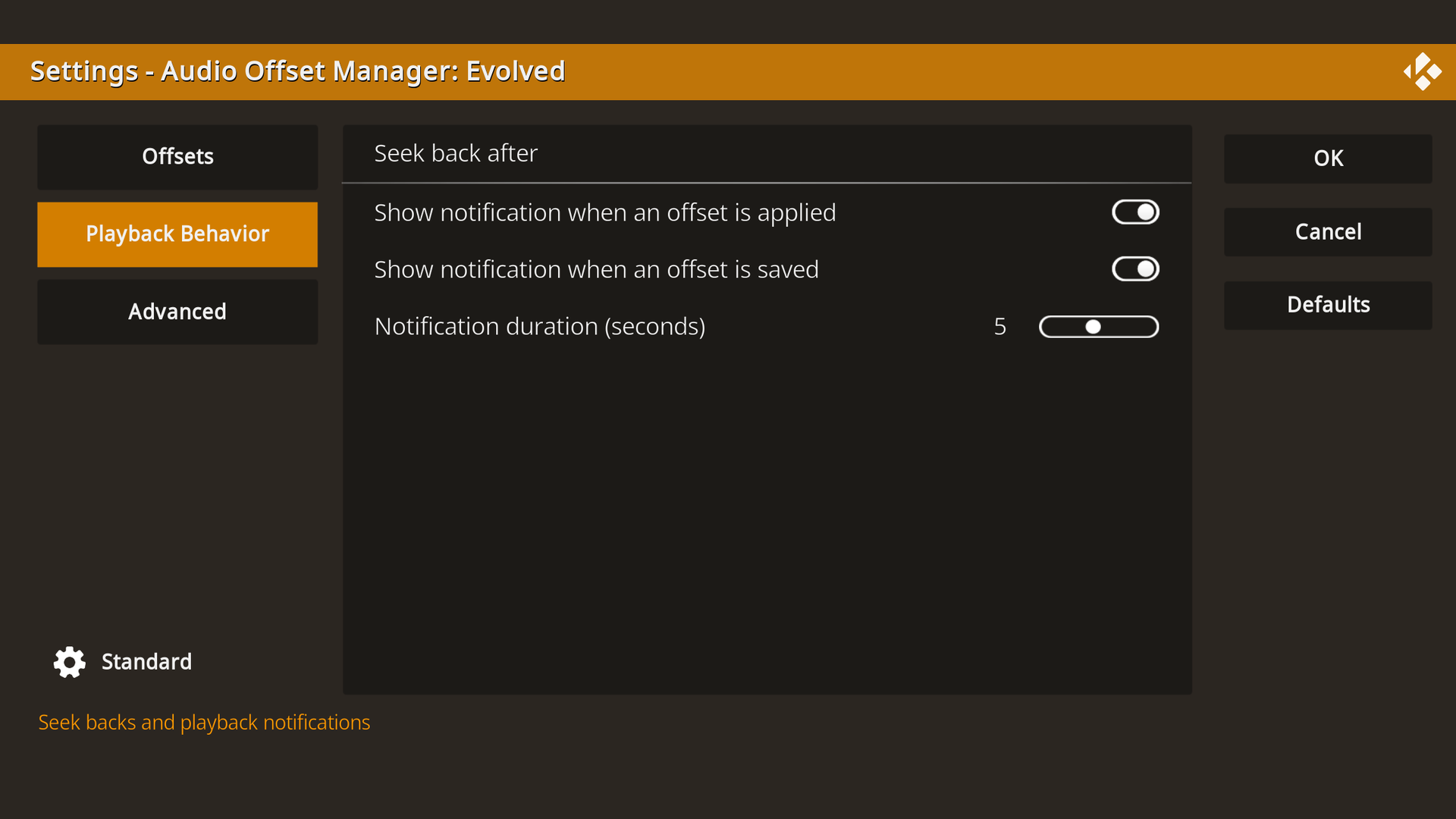
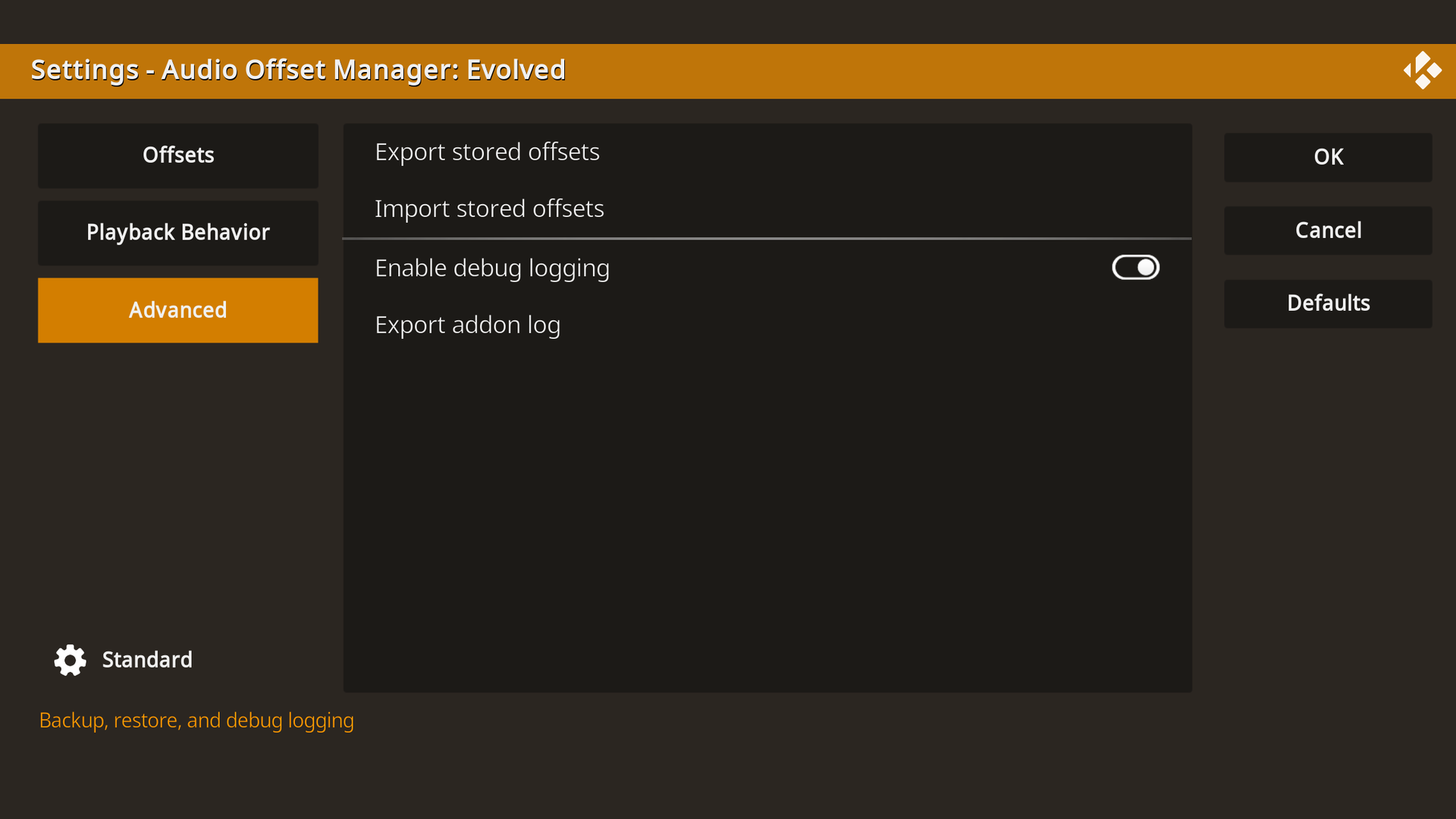
Adjust Kodi's audio offset during playback the way you always have. Audio Offset Manager: Evolved remembers the value for that stream's HDR type and audio format, with optional finer splits by frame rate, spatial audio format, channel count, and audio output device, then re-applies it automatically on every matching playback. Includes seek-back after adjustments, playback notifications, and a management view of everything it has learned.
- License
- GPL-3.0-or-later
- Platforms
- Size
- 1336KB
- Downloads
- 2,255 (this is the download count for the most current version)